


The Invisible Data Problem Behind Microsoft Copilot
Across many enterprises, Microsoft Copilot has become the default approved AI interface where knowledge workers go to ask questions, draft content, and gather data to make decisions. That’s the pitch, anyway. The reality is a little more complicated: any AI tool is only as good as the data it can actually see, and for Copilot, most enterprise knowledge doesn’t live in Microsoft 365.
It lives in file shares, object stores, NAS devices in a dozen data centers, and edge locations that never made it into SharePoint, certainly not in an organized or governed way. Regardless, that data is real and often the most valuable knowledge in the company. And it’s mostly invisible to Copilot or any AI tooling unless you find a useful way to integrate its information, the data’s meaning, into the AI system.
CTERA’s integration with Microsoft Copilot and Teams connects that broader enterprise file estate to the tools employees already use, through the open Model Context Protocol (MCP).
From ‘Good Data’ to ‘Gold Data’ for Copilot AI
While reflecting on CTERA’s integrations with AI tools and my own AI usage across multiple organizations, it became clear to me that there’s a step change when access to good data really matters to productivity. This happens when teams move from randomly uploading files to Large Language Models (LLMs) to building repeatable processes (human or agentic) around AI systems with governed, organized data. But “good” doesn’t really cut it in terms of actionable criteria.
So, if you’ll humor the mnemonic device: if you want your team’s Copilot AI usage to be more successful and productive, you need gold “data DUCATS.” A ducat is a coin (frequently gold) that was used from the Middle Ages to the 19th century. Why am I talking about this? A gold coin was only worth something if it was genuine, current, and actually yours to use.
Enterprise data works the same way. For AI to give a trustworthy answer, the data behind it has to be DUCATS: Discoverable, Understandable, Current, Available, Trustworthy, and Secure.
The 6 Qualities That Make Data Copilot-Ready: DUCATS
This means your data needs to satisfy the following six criteria:
- Discoverable: Employees and agents need to find the right file without knowing which of 40 folder structures it’s buried in or its exact name.
- Understandable: A raw file often isn’t useful to an LLM, or certainly efficient for an LLM to use. AI benefits from searchable text, metadata, classification, and context around what it actually is, to provide understanding.
- Current: An answer built on a five-year-old copy of a file can be worse than no answer. It has to reflect the latest version and the latest permissions. And if you don’t think you have years-old files in SharePoint or your file system, you’re kidding yourself.
- Available: This data has to be usable without migrating the entire company’s unstructured files into SharePoint first.
- Trustworthy: If your AI tool can’t tell you where an answer came from, you can’t verify it, or even answer the question, “where did this come from?”, your employees will stop trusting the tool.
- Secure: Every response has to respect who’s actually allowed to see that file today — not a snapshot of who was allowed to see it when someone built the index.
Six adjectives are a lot to hold in your head, which is the point of the DUCAT gold coin analogy. Data that isn’t discoverable, understandable, current, available, trustworthy and secure isn’t worth anything to the person asking Copilot a question. It just looks like it might be.
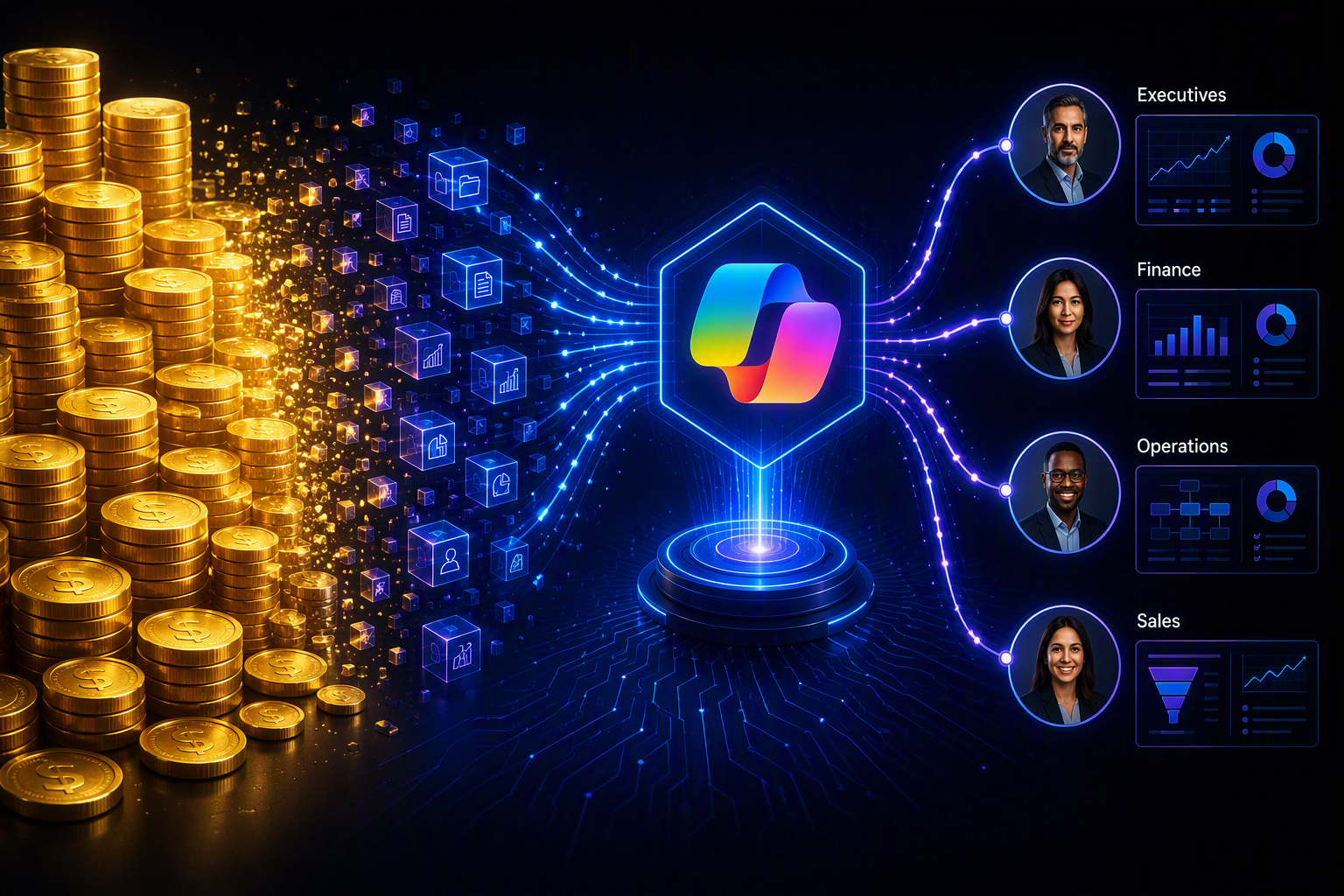
The simple answer to “get more data into Copilot” is migration: move everything into SharePoint and OneDrive, rebuild the index, and recreate the permissions. That’s not a project. It’s a multi-year fight with legacy file servers, regulatory constraints on where data can physically live, and businesses that generate new unstructured content faster than anyone can migrate the old kind.
That approach also recreates a shadow permission system that has to be kept in sync with the real one (or is a compliance nightmare). Anyone who has run a security audit knows how that story usually ends. Plus, it’s likely not economically practical at scale, especially over time, given the high cost of overrunning SharePoint Online’s included storage allocations.
How CTERA Connects Copilot to Your Enterprise Data
The CTERA Intelligent Data Platform already unifies enterprise files across edge, data center, and cloud into one governed layer. CTERA Enterprise Content & AI Services, specifically CTERA Search, CTERA Classify, and CTERA Experts, prepares that data for Copilot by adding full-text search, classification, and semantic context, all enforced against the file’s existing permissions rather than a separate copy of them.
Under the hood, the MCP integration connects Copilot to CTERA Content Services and retrieves results from full-text, metadata, and vector search databases. A Copilot agent can also connect to the CTERA Portal MCP, which extends the relationship beyond answering questions to acting on files in the CTERA Global File System. And when something changes, e.g., a file, a classification, or a permission, the CTERA Global File System triggers a notification, so CTERA Content Services updates incrementally instead of waiting on a batch reindex.
None of that requires moving the underlying files. They stay inside the enterprise’s governance and data-sovereignty boundary, which matters a lot more in regulated industries than in a product demo.
What This Means for Running Copilot in Live, Enterprise Environments
If you have to make Copilot’s answers relevant, secure and good enough for your executives to stop asking about it, the practical step is to enable Copilot to work with the file data you already have. You already enforce access controls for that data. You have the source files behind an answer, so give your users a way to check the response instead of just trusting the model’s confidence.
Making Enterprise Data AI-Ready: The Bigger Picture
Integration via adding MCP is just a starting point, like necessary plumbing. The value is in AI analysis that derives real intelligence from your real enterprise data that has been enriched with meaning (and not just mathematical relationships), and is accessible. Copilot, agents, and whatever comes next all need the same thing: file data that’s discoverable, understandable, current, available, trustworthy, secured, and verifiable. Or, in other words, data worth its weight in DUCATS.
Share Post
Frequently Asked Questions
- Why can't Microsoft Copilot access all my enterprise data?
Out of the box, Copilot reasons over what’s in Microsoft 365, and for most companies that’s a thin slice of what they actually know. The rest lives in file shares, NAS, and object stores spread across your data centers and edge sites, none of which ever made it into SharePoint. Copilot can be pointed at that data, but until it is, that knowledge stays out of reach, however good the question is.
- Do I have to migrate everything to SharePoint for Copilot to use it?
You can, but it’s rarely worth it. Moving years of unstructured files into SharePoint is a multi-year project, and it leaves you maintaining a second set of permissions that has to stay in step with the real one. CTERA takes the other route and connects Copilot to the files where they already sit, so nothing has to move and your existing access controls still apply.
- What makes enterprise data "Copilot-ready"?
The shorthand we use is DUCATS: data that’s discoverable, understandable, current, available, trustworthy, and secure. One stale permission or one outdated version, and the answer Copilot hands back can be wrong, or worse, something it was never supposed to surface.
- How does CTERA connect Microsoft Copilot to enterprise files?
It runs over the Model Context Protocol (MCP), an open standard Copilot uses to reach outside tools. MCP connects Copilot to CTERA Content Services, which modularly handles full-text search, metadata enrichment including semantic entity extraction, and vector embeddings and semantic search (if you want it) across your files. Every result is checked against the file’s live permissions, so you’re not leaning on a separate index that quietly drifts out of date.
- Does connecting Copilot to CTERA move or copy my files?
No, and that’s the point. Your files stay exactly where they are, inside your own governance and data-sovereignty boundary. CTERA layers search, classification, and context on top of them without copying them into SharePoint, and when a file, permission, or tag changes, it updates just that piece rather than rerunning a full reindex.
-
 Vice President of Product Marketing at CTERA
Dylan, Vice President of Product Marketing at CTERA, brings more than 25 years of experience in enterprise technology marketing and GTM leadership to the company. He has worked to scale up unicorn startups such as EqualLogic and Actifio, as well as drive multiples of growth for products and services inside of giants such as Dell and Amazon Web Services.
Prior to joining CTERA, Dylan led go-to-market efforts, technical business development, and alliance management for early-stage businesses in AWS Applied AI Solutions and AWS Industry Products. He has also led product marketing for key hybrid cloud and edge services, including AWS Storage Gateway, DataSync, and the Snowball family. Dylan holds an MBA from the Johnson School at Cornell University, and a BA in International Relations and French from Tufts University.


