Managing Servers
As a global administrator, you can manage the servers on which CTERA Portal is installed.
In this section
Viewing Servers
This task can be performed in the Global Administration View only.
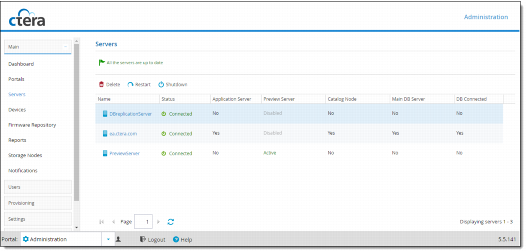
To view the CTERA Portal servers:
1 Select Main > Servers from the menu.
All the CTERA Portal servers are displayed.
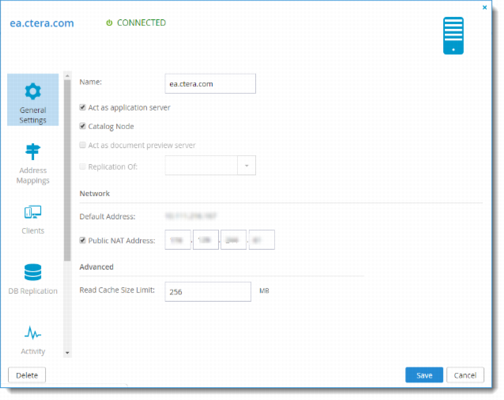
2 To view or edit a server's settings, click the server's name.
The Server Manager opens displaying the General Settings tab.